

Find Your Perfect Cycling Map App
Answer 5 quick questions to discover which cycling map app is perfect for you in 2026.
You stand at the corner of your street, helmet on, handlebars gripped tight. You want to ride. But where? Do you take the main road with its fast cars and potholes, or do you hunt for a quiet side street that might lead you into a dead end? This is the exact moment a good map for bike routes saves your day. It doesn’t just show you how to get from point A to point B; it shows you how to get there safely, comfortably, and sometimes even faster.
In 2026, we have moved past the era of generic GPS directions that sent cyclists onto highways. Today’s best mapping tools understand what it means to ride a bicycle. They know about bike lanes, steep hills, traffic stress, and surface quality. Choosing the right one depends entirely on what kind of rider you are. Are you commuting to work? Training for a century ride? Or just looking for a fun weekend loop?
The Problem with Standard Maps
If you rely solely on standard navigation apps like Google Maps or Apple Maps for everything, you might find yourself in trouble. These platforms are designed primarily for cars. Their algorithms prioritize speed above all else. For a car, a four-lane arterial road is efficient. For a cyclist, that same road can be terrifying.
Standard maps often ignore critical details for cyclists. They don’t always account for:
- Traffic Stress: The psychological pressure of riding next to large trucks.
- Surface Quality: Gravel, cobblestones, or broken pavement that can ruin tires.
- Elevation: A short distance on a map can hide a brutal 10% grade hill.
- Bike Infrastructure: Protected lanes vs. shared sidewalks (which are often illegal for bikes).
This is why dedicated cycling maps exist. They layer specific data on top of the basic geography to create a route that respects your two wheels.
Top Contenders for Bike Route Mapping
Not all cycling maps are created equal. Here are the heavy hitters in 2026, categorized by how they help you ride.
1. Komoot: The Best for Discovery and Planning
Komoot is a popular activity planning platform that uses detailed terrain analysis to recommend scenic and safe routes. If you love exploring new areas and want a route that feels curated rather than calculated, Komoot is likely your best friend.
Komoot stands out because of its "Activity Segments." These are small pieces of road-like a beautiful climb or a smooth descent-that other users have rated as excellent. When you plan a route, Komoot tries to include these segments. It also provides turn-by-turn navigation that speaks naturally, saying things like "Turn left after the gas station" rather than "Turn left in 50 meters."
Best for: Weekend rides, discovering new scenery, and riders who value surface type (asphalt vs. gravel).
2. Strava: The Social Route Builder
Strava is a social network for athletes that leverages user-generated data to highlight popular and safe cycling paths. Strava isn’t just a tracker; its route-building tool is incredibly powerful because it relies on the collective wisdom of millions of riders. It highlights roads where many people actually ride. If a road is dark, dangerous, or blocked, fewer people will have ridden it, so Strava won’t suggest it as highly.
The "Heatmap" feature is legendary. You can see exactly where cyclists go in your city. In 2026, Strava has improved its offline navigation significantly, making it a viable option for real-time guidance without using mobile data. However, the free version limits how many custom routes you can save.
Best for: Finding popular local loops, social riders, and those already using Strava for tracking.
3. Ride with GPS: The Precision Tool
Ride with GPS is a professional-grade route planning application favored by competitive cyclists and endurance athletes. This app feels more technical. It offers precise elevation profiles, gradient calculations, and weather integration. If you are training for an event and need to know exactly how many feet you’ll climb per mile, this is your tool. It also has excellent safety features, including SOS sharing with emergency contacts.
Ride with GPS integrates well with Garmin and Wahoo devices, meaning you can plan on your phone and sync directly to your bike computer. This seamless transfer is a huge plus for serious riders who don’t want to carry their phone while riding.
Best for: Competitive training, long-distance touring, and users with high-end bike computers.
4. Citymapper / Transit-Oriented Apps: The Urban Commuter
If you live in a dense city like Calgary, Toronto, or New York, you might not need a full-blown cycling app. Citymapper is an urban mobility app that combines public transit, walking, and cycling options into one seamless journey planner. Citymapper now includes dedicated cycling layers in major cities, showing bike share stations, protected lanes, and traffic-free zones. It’s less about finding a 50-mile scenic route and more about getting to work in 20 minutes without sweating through your shirt.
Best for: Daily commuters, mixed-mode travel (bike + train), and urban dwellers.
Comparison: Which App Fits Your Needs?
| Feature | Komoot | Strava | Ride with GPS | Citymapper |
|---|---|---|---|---|
| Primary Focus | Discovery & Scenery | Social & Popular Routes | Precision & Training | Urban Commuting |
| Navigation Voice | Natural Language | Basic Cues | Technical Details | Multimodal Alerts |
| Offline Maps | Yes (Premium) | Yes (Subscription) | Yes (Pro) | Limited |
| Device Sync | Garmin, Wahoo | Garmin, Wahoo | Garmin, Wahoo, Polar | N/A |
| Cost Model | Freemium | Freemium | Free Trial / Subscription | Free / Premium |
Key Features to Look for in a Cycling Map
When evaluating any map for bike routes, keep these three factors in mind. They determine whether an app is truly useful or just a pretty picture.
1. Traffic Stress Levels
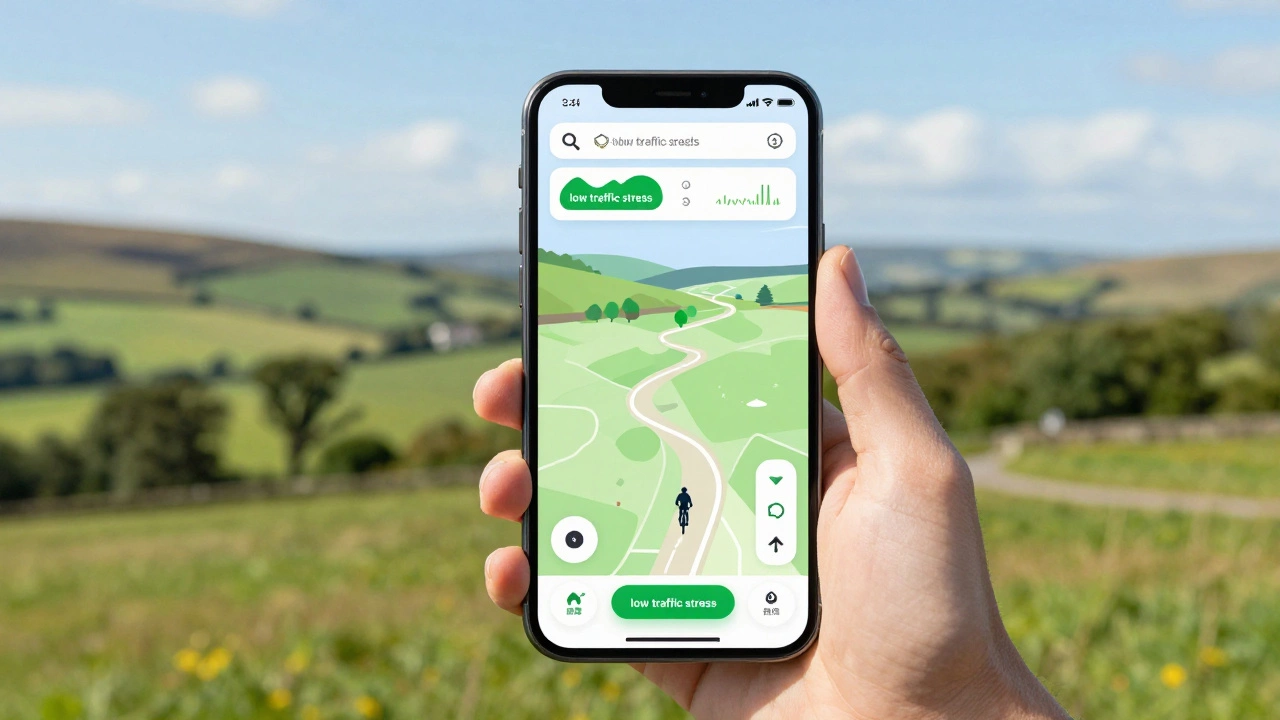
This is the most important metric for safety. Some apps, like Komoot and CycleMap (by OpenStreetMap contributors), allow you to filter routes by "stress level." Low-stress routes avoid busy intersections and high-speed roads. If you are a casual rider or a parent taking kids on bikes, prioritize apps that offer this filtering. Don’t accept a route just because it’s the shortest; accept it because it’s the safest.
2. Elevation Profiles
A flat 10-mile ride is very different from a hilly 10-mile ride. Good maps show you the gradient before you start. Look for apps that display elevation gain in both feet and meters, and ideally, show the percentage of incline. This helps you decide if you need to bring a water bottle or if you should skip that particular hill today.
3. Offline Capability
Your phone battery dies. Your data connection drops. Both happen. The best cycling maps allow you to download regions for offline use. In 2026, cellular coverage is better, but remote trails still exist. Ensure your chosen app lets you save routes locally so you can navigate without draining your battery on data search.

Specialized Maps: Gravel and Mountain Biking
If you ride off-road, standard road maps fail you. You need trails.
Everytrail is a specialized mapping service focused on off-road trails for mountain biking, hiking, and trail running. Everytrail aggregates data from various sources to show single-track trails, difficulty ratings, and surface conditions. It’s essential for mountain bikers who need to know if a trail is open or muddy.
For gravel riders, Gravel Cyclist is a niche community-driven map highlighting unpaved roads suitable for gravel bicycles. It connects dots between rural roads that aren’t marked on standard GPS units. If you ride a gravel bike, this community resource is invaluable for finding hidden gems.
How to Choose Your Best Map
Here is a quick decision tree to help you pick:
- Do you commute daily in a city? Use Citymapper or your local transit app with a bike layer.
- Do you train for performance? Use Ride with GPS for precise metrics and device syncing.
- Do you want to explore and have fun? Use Komoot for its segment-based recommendations and natural navigation.
- Do you follow friends and trends? Use Strava to ride where others ride.
- Do you ride trails? Use Everytrail or Trailforks.
Remember, you can use multiple apps. Plan your route in Komoot for the scenery, export it to GPX format, and load it into your Garmin for navigation. The ecosystem is flexible. The goal is to get you on the bike, safely and happily.
Is Google Maps good for cycling?
Google Maps has improved its cycling directions, offering bike lane info and elevation in some cities. However, it lacks advanced features like traffic stress filtering, detailed surface types, and robust offline navigation compared to dedicated apps like Komoot or Strava. It is fine for casual, short rides in familiar areas but risky for long-distance or off-road cycling.
Which app works best with Garmin devices?
Ride with GPS, Komoot, and Strava all integrate seamlessly with Garmin Edge devices. You can plan a route on your phone and sync it directly to your watch or bike computer via Bluetooth or Wi-Fi. Ride with GPS is often considered the gold standard for Garmin users due to its precise data fields.
Can I use offline maps for cycling?
Yes, most premium cycling apps like Komoot, Strava, and Ride with GPS allow you to download map tiles for offline use. This is crucial for saving battery life and ensuring navigation works in areas with poor cell reception. Make sure to download the region before you leave home.
What is the difference between a GPX and KML file?
Both are file formats for storing geographic data. GPX (GPS Exchange Format) is widely supported by almost all bike computers and phones. KML (Keyhole Markup Language) is often used for viewing routes on Google Earth. For loading routes onto your bike computer, GPX is generally the safer and more universal choice.
Are free cycling maps accurate enough?
Free versions of apps like Strava and Komoot provide accurate base maps and basic routing. However, they often limit the number of saved routes, lack detailed offline maps, or miss advanced features like traffic stress levels. For occasional riders, free is sufficient. For frequent or serious cyclists, the subscription cost is worth the safety and convenience features.
You might like